
AI Image Enhancer
Upload a low-resolution image and improve clarity, detail, texture, and resolution while preserving the original subject.
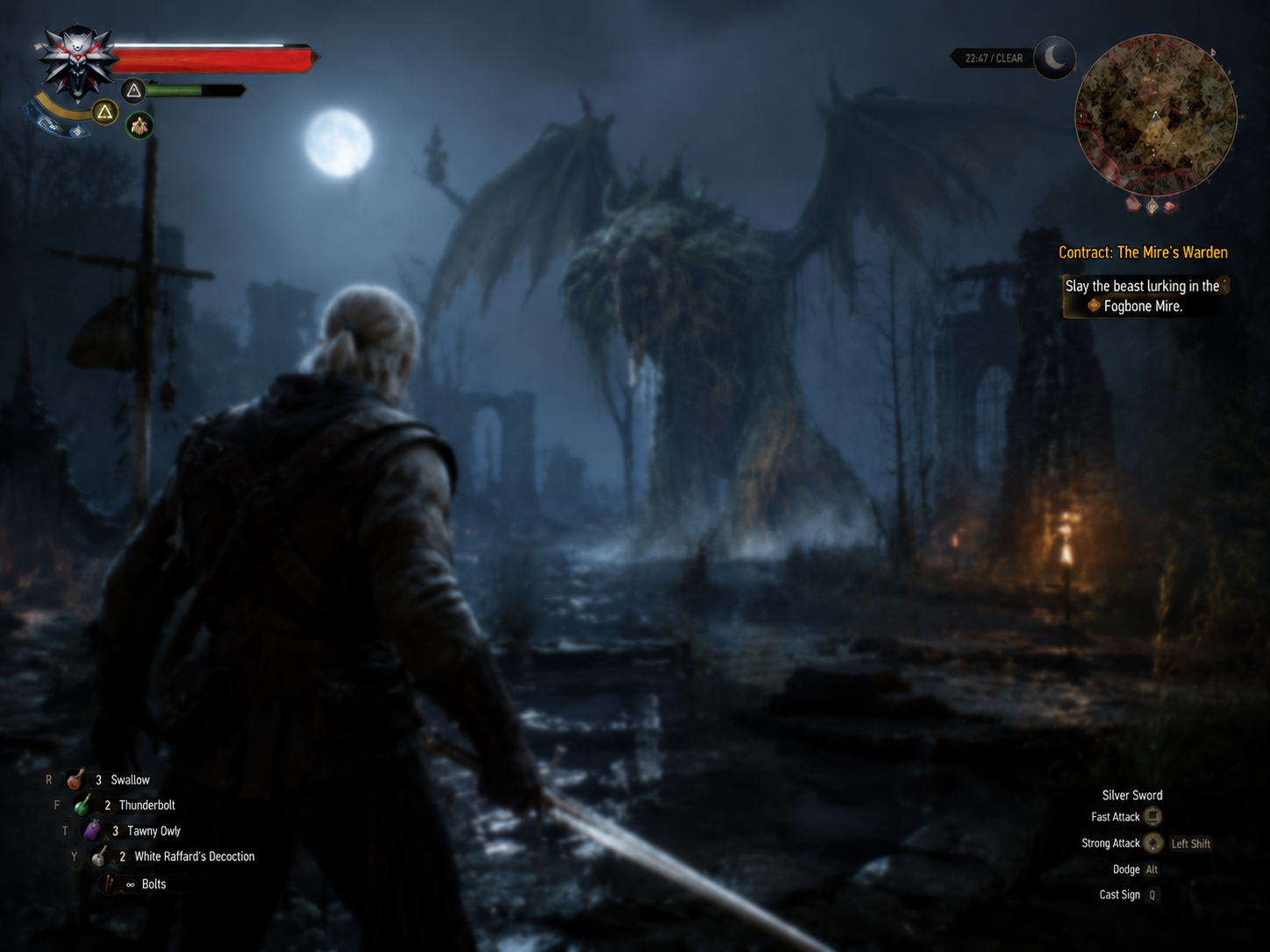
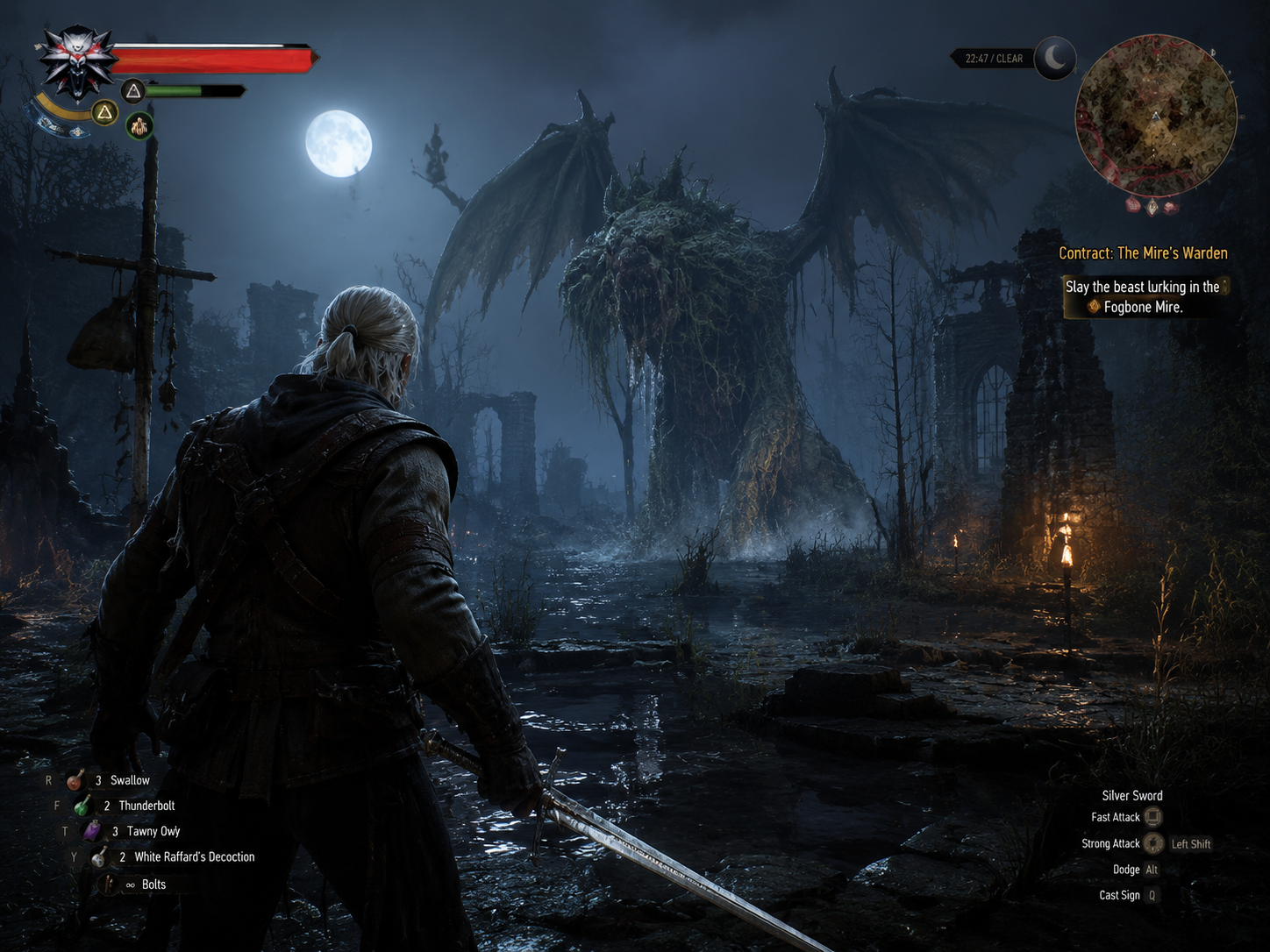
Experience AI Image Enhancer capabilities
Designed around practical image editing needs. Upload an image and generate with the selected tool preset.
HD image enhancement
Improve edges, texture, lighting depth, and visible detail.
Noise and artifact reduction
Useful for screenshots, compressed images, and low-resolution assets.
Subject preservation
Keeps the original subject and composition stable while improving quality.
Commercial-ready visuals
Prepare cleaner product, poster, cover, and presentation assets.
How to use Image Enhancer
Three steps to process images for product, portrait, old-photo, and content workflows.
Upload the image to enhance
Sharper detail
Choose resolution and direction
Less noise
Generate and download the HD result
Preserved subject
FAQ
Common questions about uploads, results, and tool behavior.
01 Will enhancement change my image?
The preset asks the model to preserve the subject and composition while improving clarity and detail.
02 Can I enhance product photos?
Yes. It works well for product images, portraits, poster assets, and low-resolution references.
03 Do I need to upload an image?
Yes. This tool uses image-to-image mode, so a reference image is required.